Chrome Extension · Speed Reading · Kindle
Kreeder
My TBR pile is the size of my house — literally, three full shelves of physical books plus thousands on Kindle. I stumbled on RSVP speed reading and it changed everything: better focus, better comprehension, dramatically faster reading. That first year I tore through almost 500 books.
Then life happened. Kindle switched to image-based pages and the old extension died. So I resurrected it with local in-browser OCR. Kreeder lives again.
The name? Kindle speed reader. Kreeder.
See It In Action

How It Works
Three steps to faster reading
Install
Add Kreeder to Chrome from the Web Store. One click, no signup required.
Open Kindle Cloud Reader
Go to read.amazon.com and open any book from your Kindle library. Click the Kreeder icon to activate.
Speed Read
Words flash one at a time at your chosen speed. Adjust WPM on the fly. Read 3–5x faster.
Features
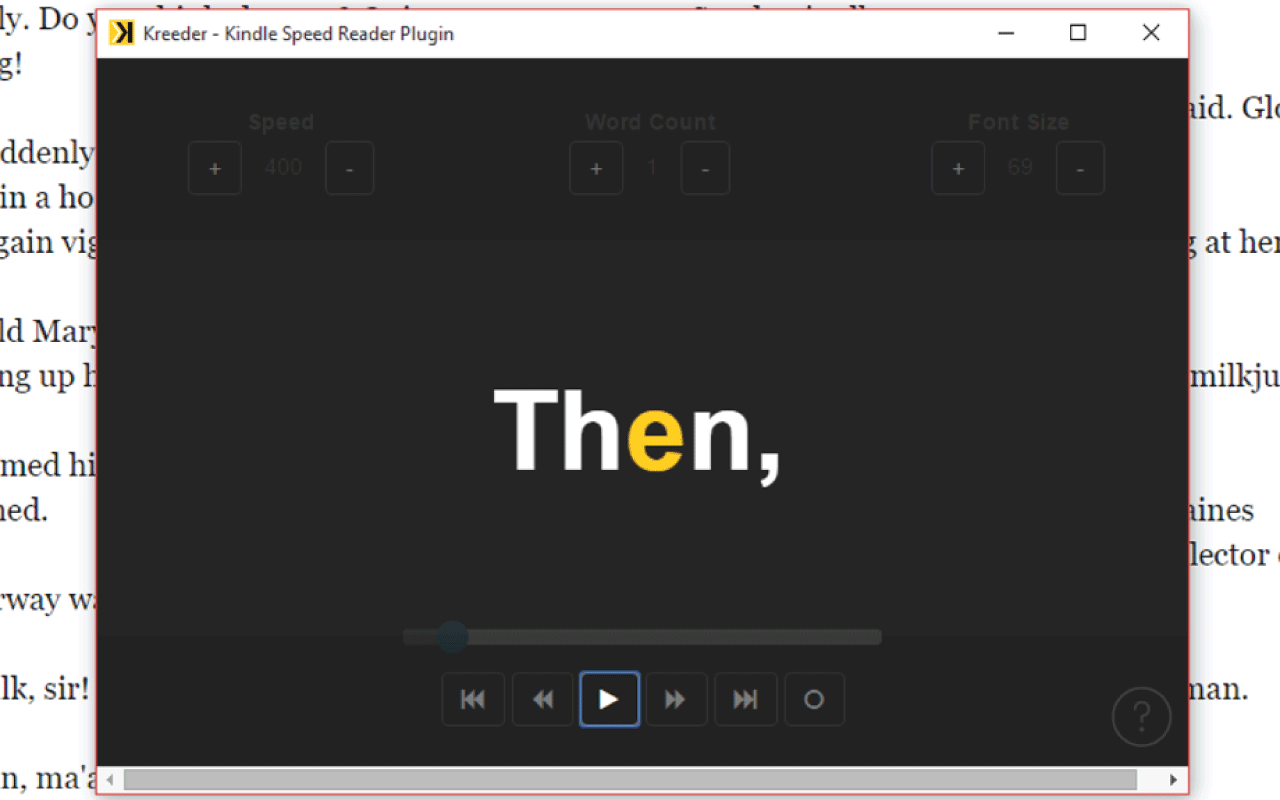
Core Feature
Adjustable Speed Control
Dial your reading speed from a comfortable 200 WPM to a blistering 1500 WPM. Find the sweet spot where comprehension meets velocity. The RSVP display adapts in real time.
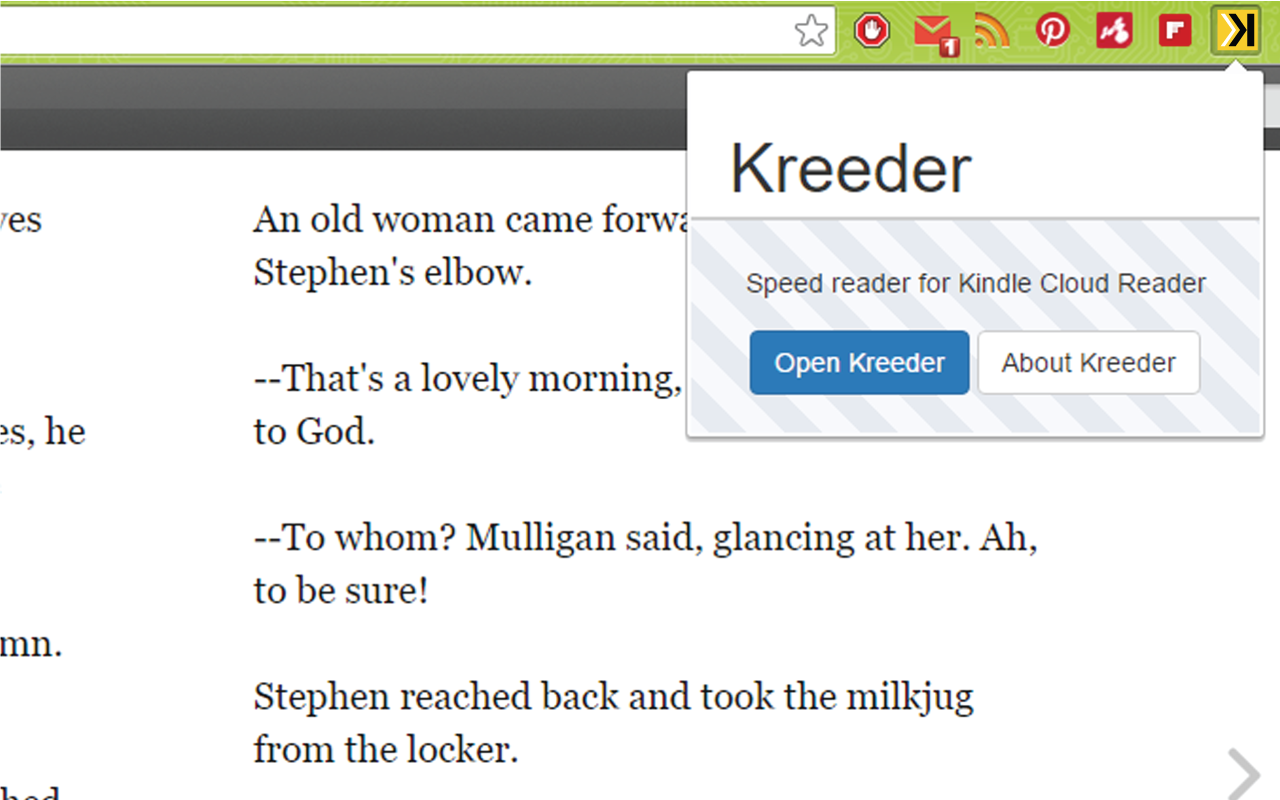
Integration
Kindle Cloud Reader + OCR
Speed read your entire Kindle library in the browser. When Kindle switched to image-based pages, Kreeder adapted with local Tesseract.js OCR to extract text from the images. No copy-pasting, no switching apps.
Universal
Built for Kindle Cloud Reader
Speed read your entire Kindle library right in the browser at read.amazon.com. When Amazon switched to image-based pages, Kreeder adapted with Tesseract.js OCR to keep reading at speed.
Currently desktop/Chrome only. Mobile support would require Google Play and Apple Store developer accounts — a future project.
Built With
# Clone and build from source
$ git clone https://github.com/kenpodragon/SpreedKindle.git
$ cd SpreedKindle
# Load as unpacked extension in Chrome
$ chrome://extensions → Load unpacked → select SpreedKindle/
Also by Stephen Salaka